0→1: Creating a Scalable Documentation Framework
Establishing best practices and improving cross-team communication.
Overview
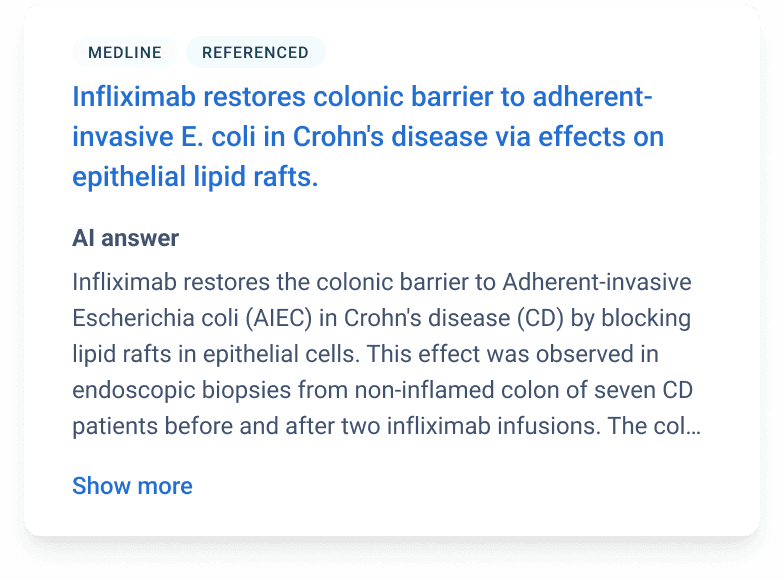
As a high-growth startup, development at Causaly moved quickly, with work happening in multiple feature silos. Over time, this began to cause issues as designers and developers created custom components that met their needs, leading to similar components behaving differently depending on where you were in the application.
In turn, this caused tensions between the design and development teams and affected morale, speed and consistency throughout the product.
Understanding the task
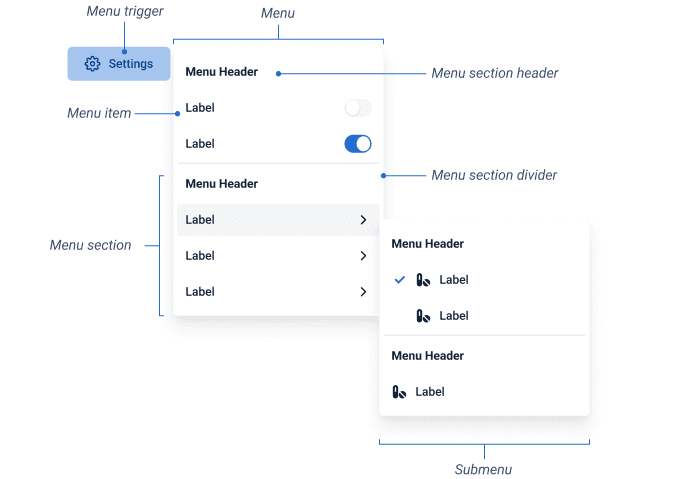
The end goal was to have both design and development teams using a unified component set. The problem was that we couldn't stop production to do this or take the system off the shelf without causing a massive upset.
My role was to understand the most significant issues affecting development teams and where we could begin unification without disrupting development.
What we found
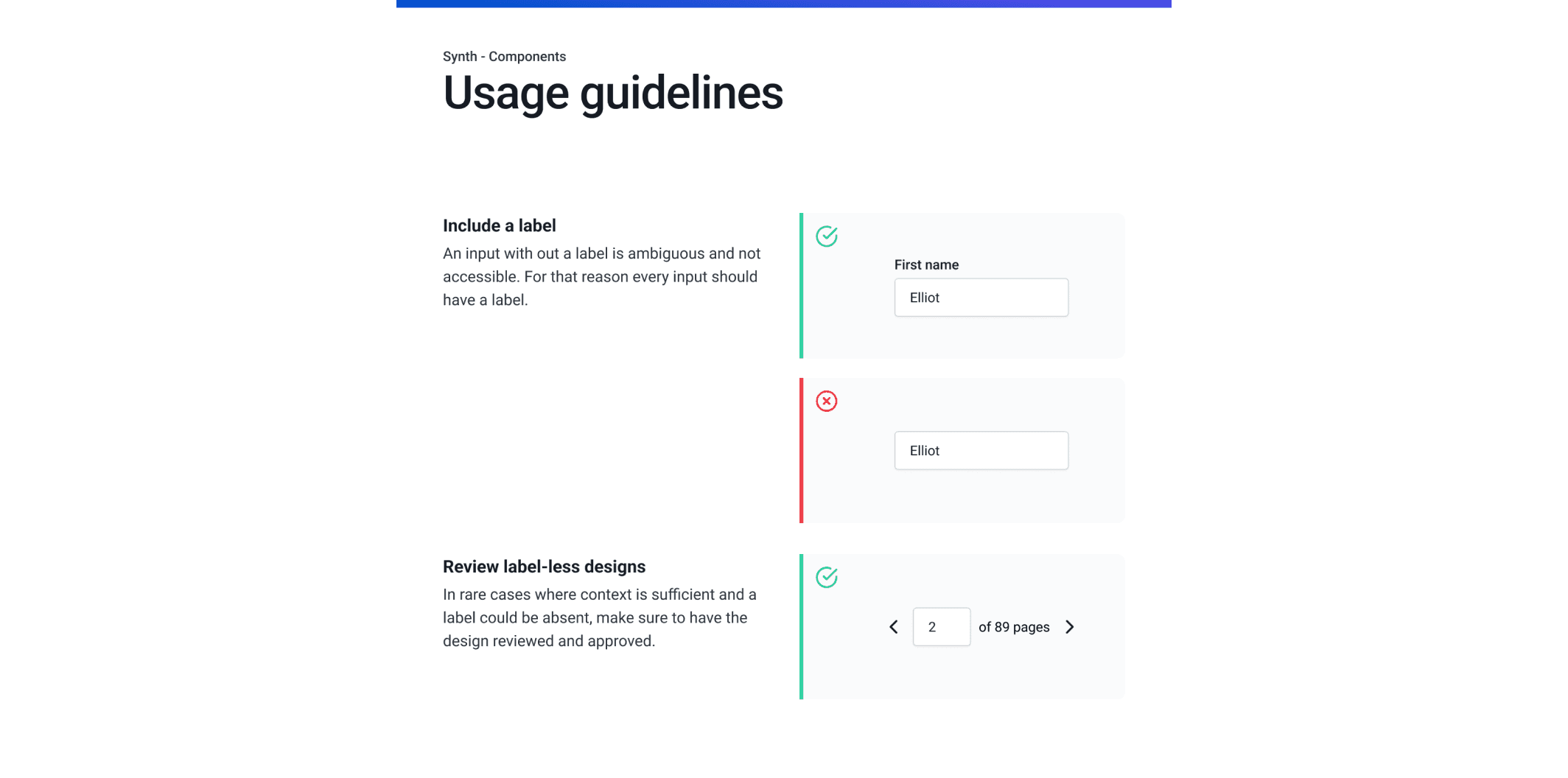
Teams found it quicker to create new components each time rather than reuse the master, as the interactions provided were inconsistent. Given the fast-paced environment, they often felt it was quicker to do this than to gain alignment, highlighting a breakdown not only in the handoff process but also in the approval process.
The Approach
We had limited time to address the issue and had to move quickly to improve the situation. We did this through the following:
Understanding the temperament
Measuring the success of a design system can be challenging. To indicate change, a CSAT was conducted to understand the current sentiment. Doing this allowed us to rerun the survey later, which had shifted. While a subjectiveeasurement, this also served as a way to identify issues with the current situation.
Breaking the task down
With an understanding of the pain points, we could begin identifying areas that require attention and prioritising them for work. The goal was to create a component API that developers could easily access and use to switch out old components as they worked on various features, rather than pushing for a total overhaul from the outset.
Design-code parity
To encourage teams to adopt and use the system, we needed to make it as simple as possible. One way we did. We did this by creating Design Tokens, making each component's use explicit and ensuring that what was in Figma matched what was in production.
Learnings and conclusions
Establishing best practices that scaled
In a 0→1 environment, I prioritised functional documentation and design-code parity over visual perfection to ensure the team could ship immediately.
Cross-Functional Alignment as a Core Component
A design system only succeeds if it's "Design-Code Aligned." I focused on creating a shared taxonomy between Figma and the codebase to eliminate hand-off ambiguity.
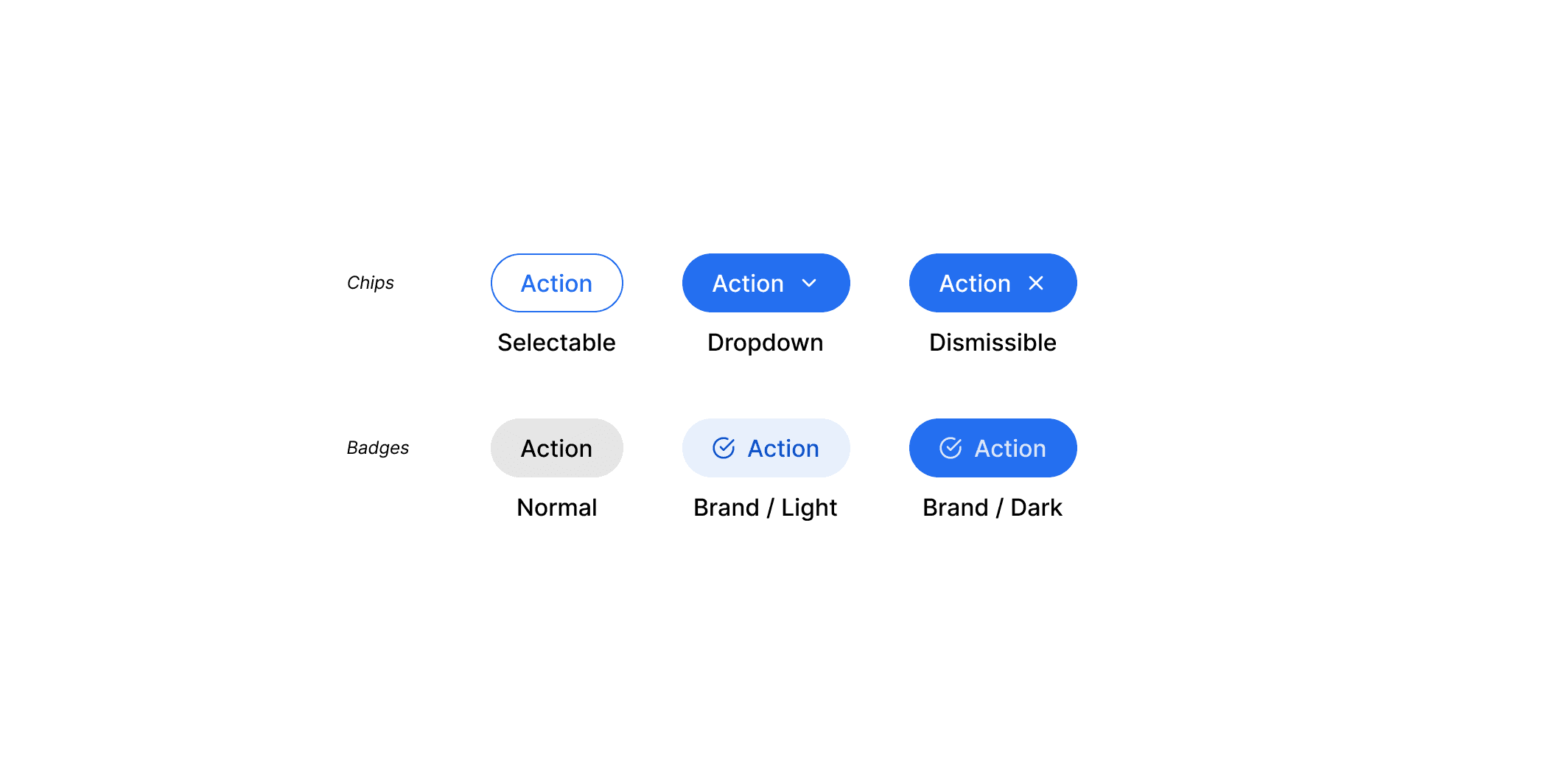
The Template Approach
By creating a repeatable template for component documentation (What, Why, When, How), I reduced contributors' cognitive load and ensured a consistent user experience for internal developers.