Causaly is an agentic R&D productivity platform for life sciences.
Create a comprehensive report on your research topic, complete with sources, citations and visualisations at the press of a button.
Overview
Researchers often have to search through a massive number of documents to find the information they're looking for. It's a very time-consuming process, which can be costly if something is unintentionally overlooked, a document is misplaced, or a search can not be replicated. We wanted to provide users with both the confidence that their search was yielding the desired results and the convenience of storing it in a single click.
Understanding the task
The vision for this feature was to "allow users to have a conversation with the document" and ultimately reduce the time they needed to spend refining searches, making it easier for them to find valuable signals in the data.
My core responsibility was to figure out how best to get to that goal while ensuring that we were a) building something of value for users and b) creating something that could scale with the platform. Naturally, this sounded daunting to the team, so I wanted to find a way to break this down into more manageable chunks that made the most of what we had available.
What we found
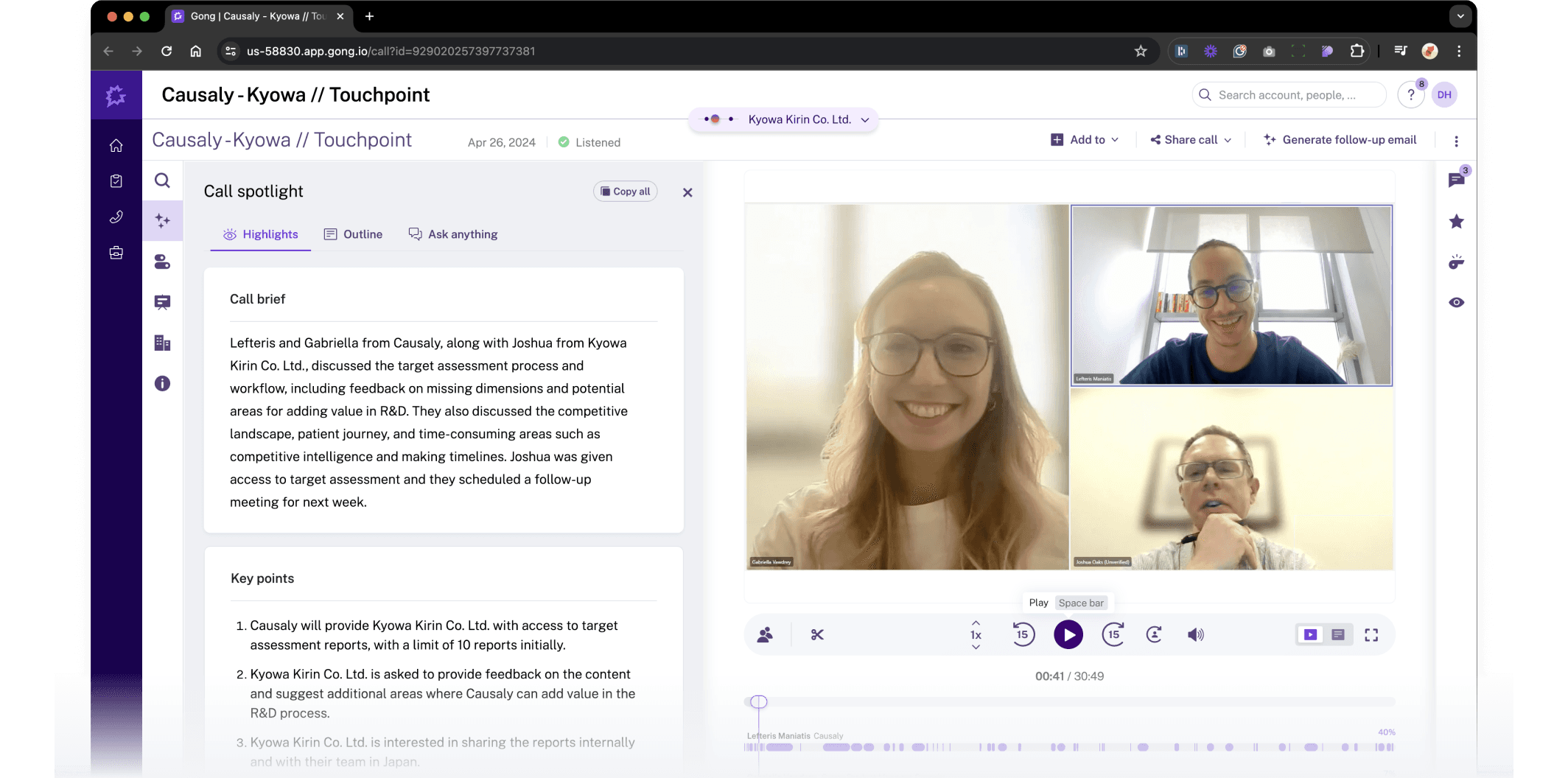
Users find it difficult to transition from "exploration" mode to "analysis" mode. They were finding too many documents, but synthesising the data took too long for several reasons, such as saving documents, collatingthem,n and then reviewing them. We wanted to improve this.
The Solution
The project was broken down into three distinct phases:
Phase 1: Cognitive Load Reduction
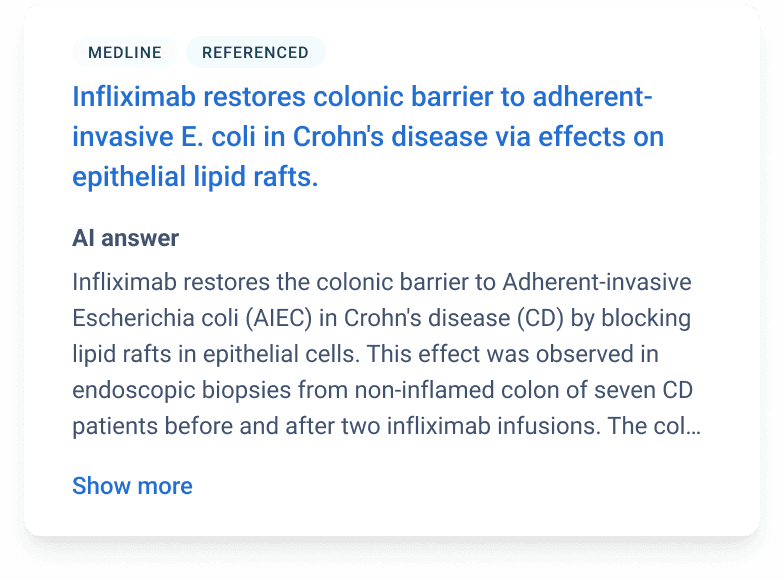
A search would often return thousands of documents. To reduce users' personal bias, we began summarising the results, highlighting the key findings and providing citations to relevant documents that supported the summary. As accuracy and accountability were important here.
Phase 2: Workflow Continuity
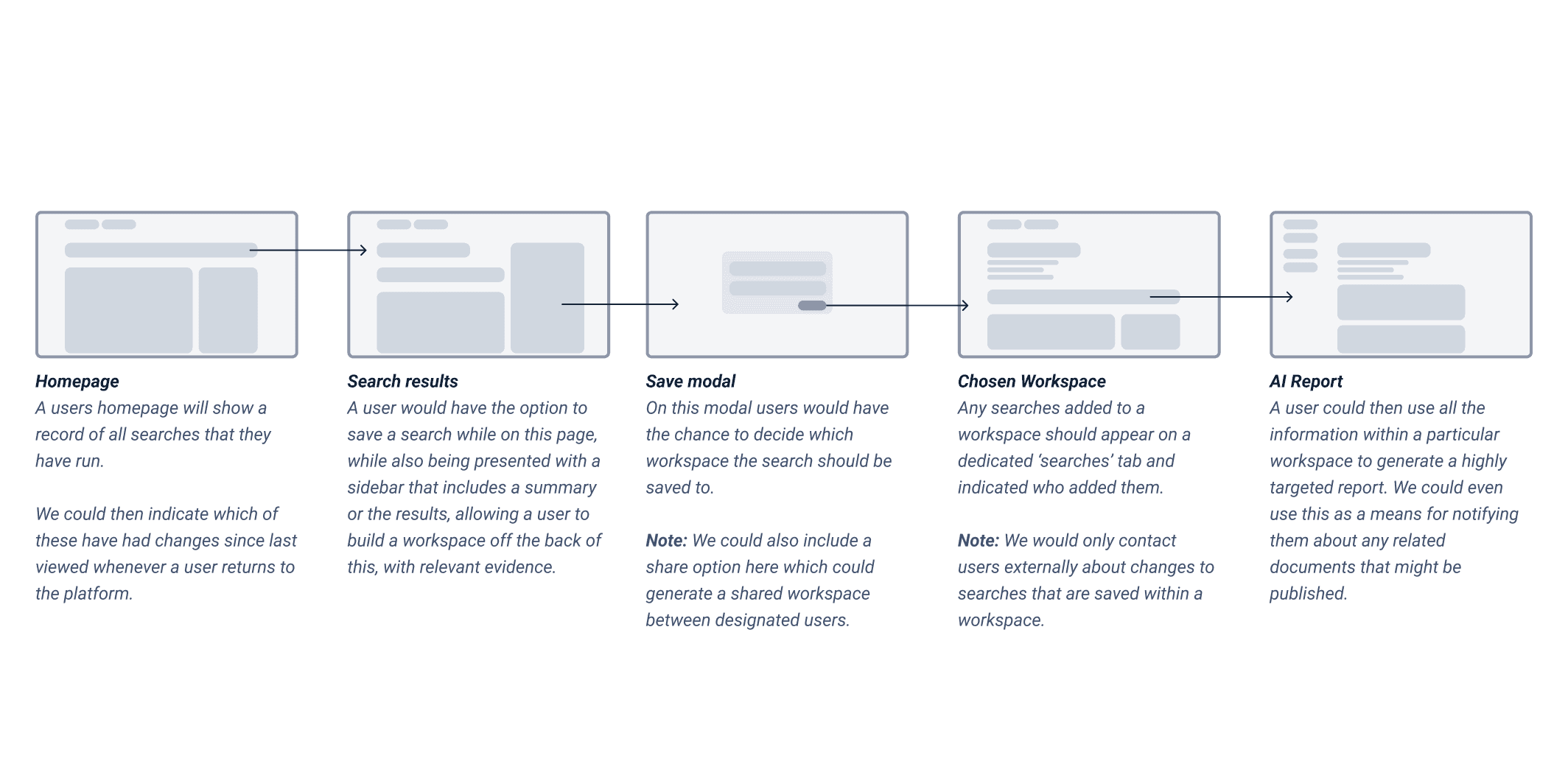
Using that information, we began to refine what was shown and worked on implementing a way for the user to save not only the summary, but also the search and documents used to generate the summary to a location of their choice, giving them access to a customisable storage system that could meet their needs on a project-by-project basis.
Phase 3: Proactive Intelligence
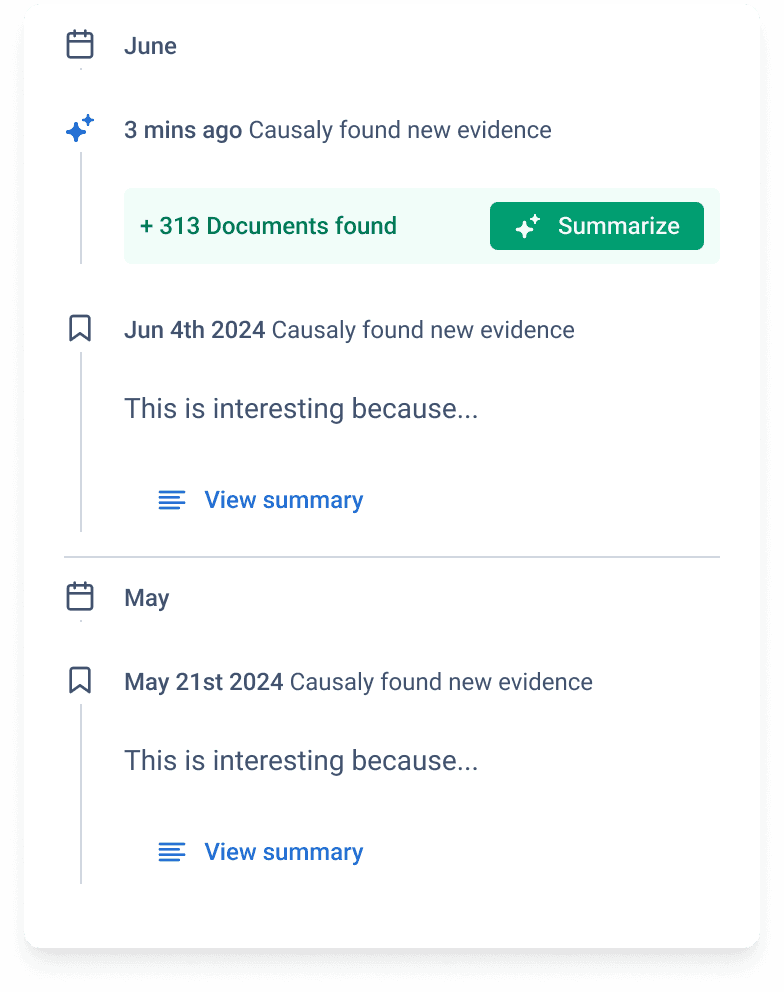
By going to the saved location, users could use the summary to generate a long-form report on their topic, covering key areas, which could then be further expanded upon if required. It also allowed us to feed any newly published documents that might be relevant to a central location. We also summarised these so a user could decide whether they were of any concern without needing to read every single document.
From idea to implementation
Discovery
Understanding the user needs through talking with them, reviewing existing workflows and creating user personas.
Design Exploration
After understanding the user's intentions, improving the flow was the priority.
User Testing
To ensure we were handling the technical limitations of using an LLM, we ran extensive user testing to identify ways to handle latency and refine prompts to minimise hallucinations.
Iteration
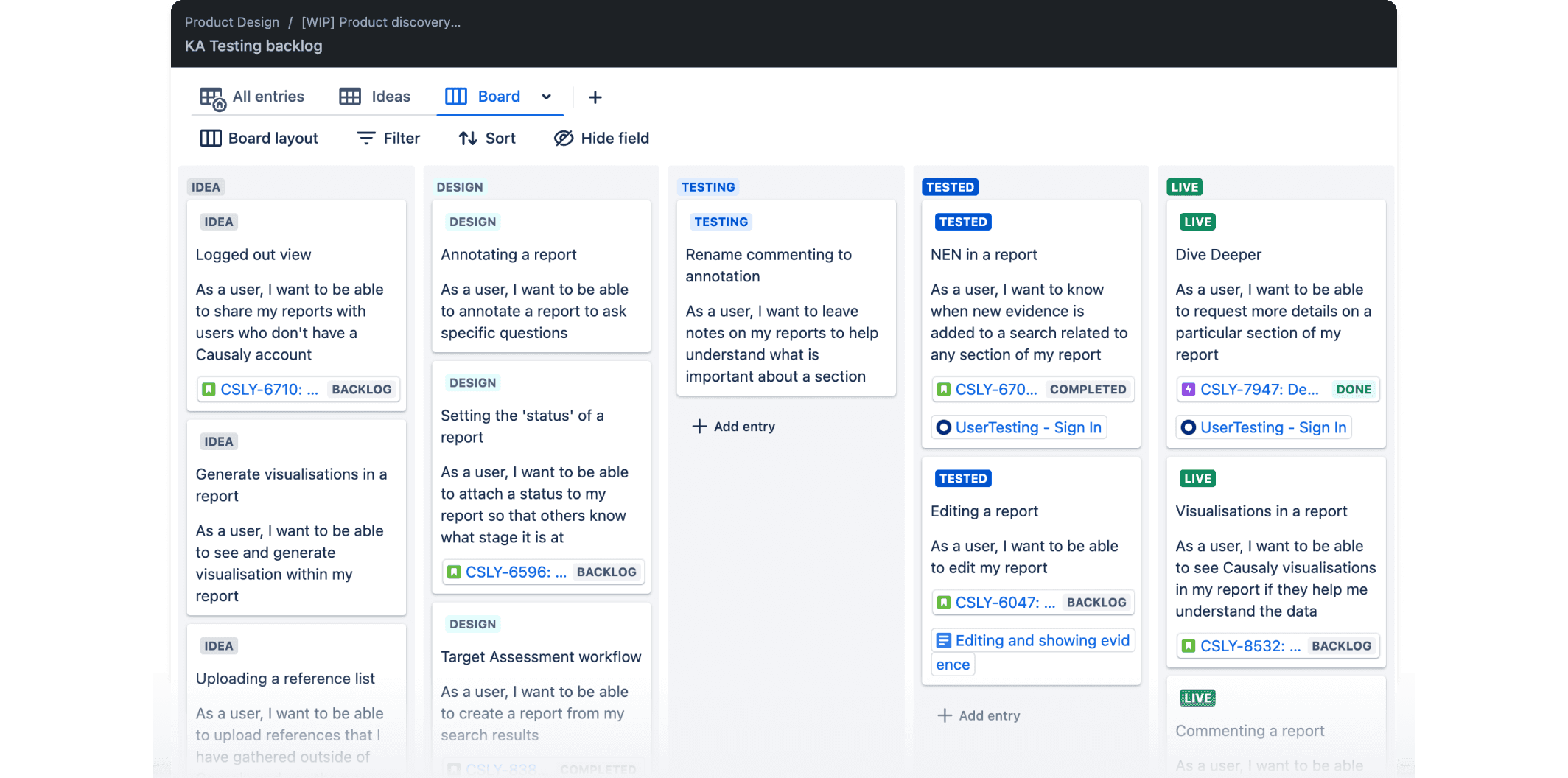
Taking on board user feedback, designs were iterated on and broken down into appropriate milestones to make implementation and measurement easier.
Learnings and conclusions
Alignment, but prioritisation is crucial
features we developed. Our initial analysis accurately identified user needs, and the features we developed resonated well with them. However, the abundance of feature requests highlighted the importance of careful prioritisation based on both user impact and business goals. Finding the right balance is key to delivering value without overwhelming users.
The power of iterative testing
Through iterative testing and feedback analysis, we refined the design, simplified workflows, and increased clarity, resulting in a significantly more user-friendly experience. This reinforces the importance of prioritising testing and incorporating user feedback early and often in the development cycle.
Know your sources
Designing for Trust to reliably recreate a search or summary was highly valued by users as they often share searches with colleagues, and when summaries didn't match, it could lead to confusion.